Why Kindo

The AI platform for Deloitte cybersecurity — and this is your training portal. I'm Warren, and I'll walk you through what you'll learn and how the program works.

Kindo Training Portal · Deloitte Cybersecurity · April 2026

Learn at your pace. Build in the live session.

This portal replaces the 3-hour live platform overview. Watch the videos here, then your live session is 100% hands-on.

01

Pre-work

Provision your Kindo account. Read the Getting Started docs. Enable Demo Mode. Prepare a use case from your daily work.

02

Watch & Explore

Watch the module videos on this portal. Each one shows the real Kindo platform in action. Read the module content at your own pace.

03

Build

Show up to the live session ready to go. No lectures — just hands-on exercises. Build a real Chat Actions query and a custom Agent.

Your training portal — built and ready.

This is what you'll use. Two tracks, eight modules, hands-on exercises, and video walkthroughs. Everything self-paced.

Training Portal — Home Kindo Training Portal homepage showing two tracks, prerequisites, and program overview
All Modules Module listing showing all 8 modules across both Practitioner and Technical tracks

Each track has four modules with exercises.

Click into either track to see the full module breakdown — objectives, content, exercises, and video walkthroughs for each one.

Practitioner Track Practitioner Track showing 4 modules: Platform Overview, Chat Actions, Agents, and Workflow Integration
Technical Track Technical Track showing 4 modules: Architecture, API & MCP, Security & Governance, and Advanced Config

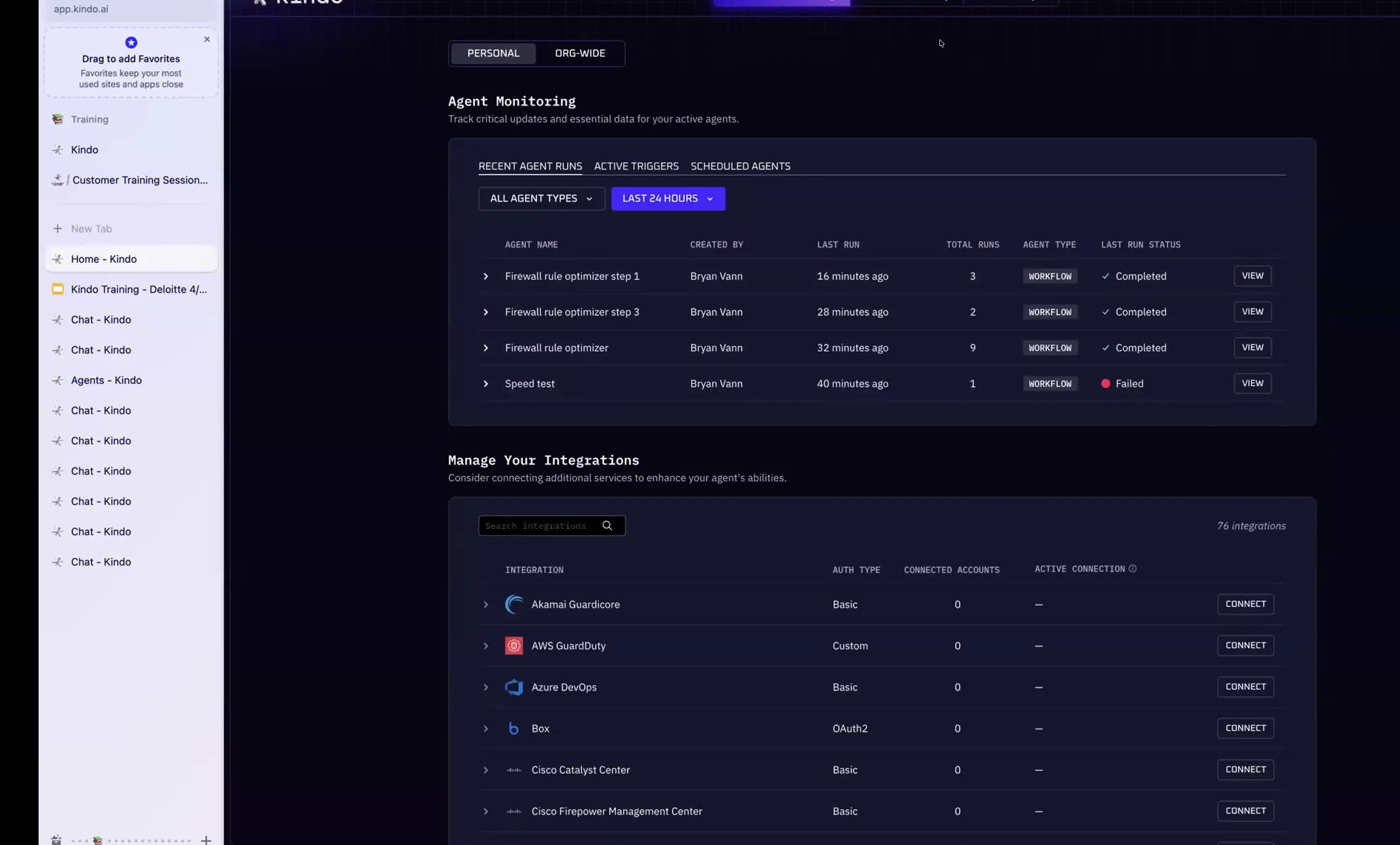
Your entire tool stack. One conversation.

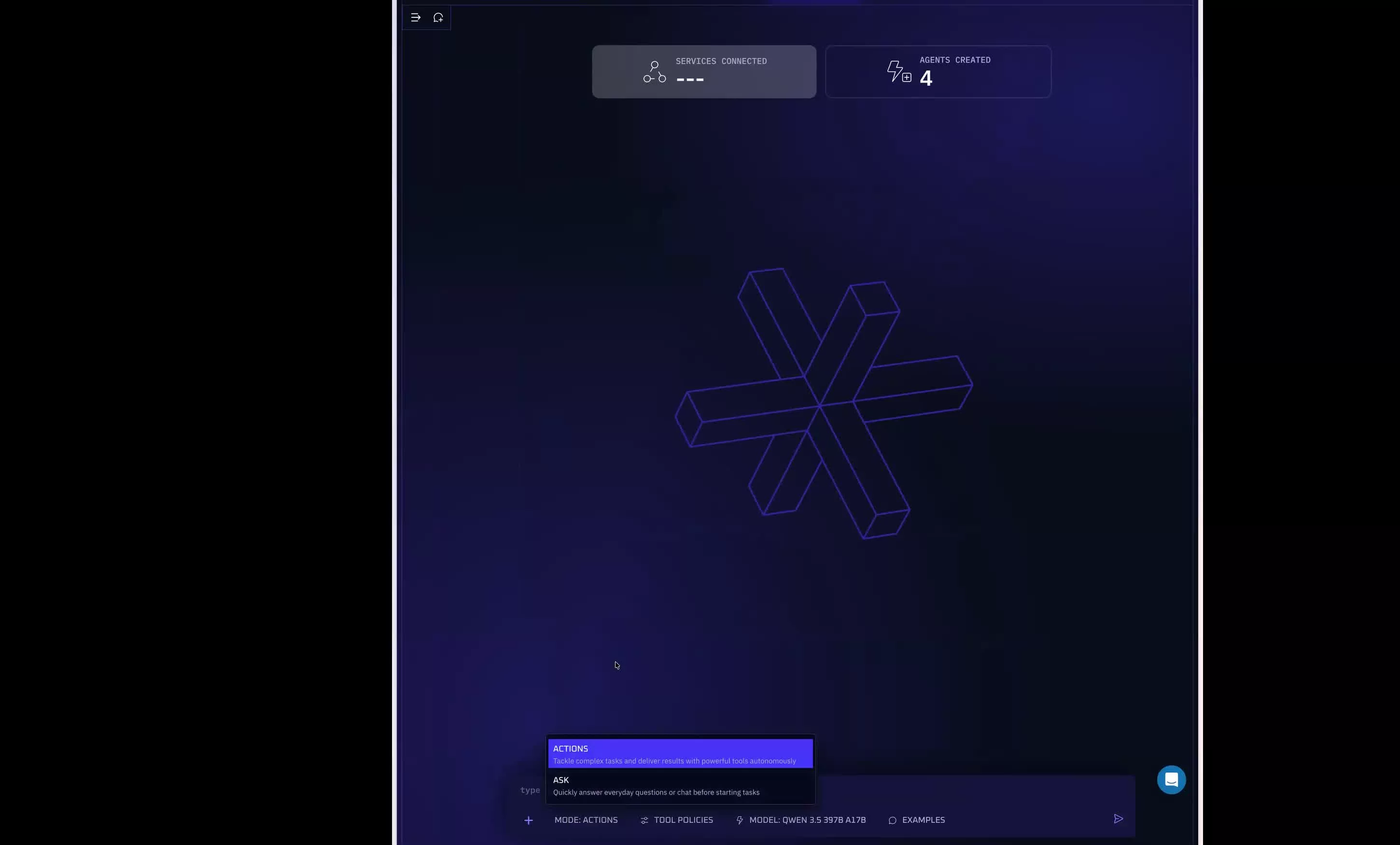
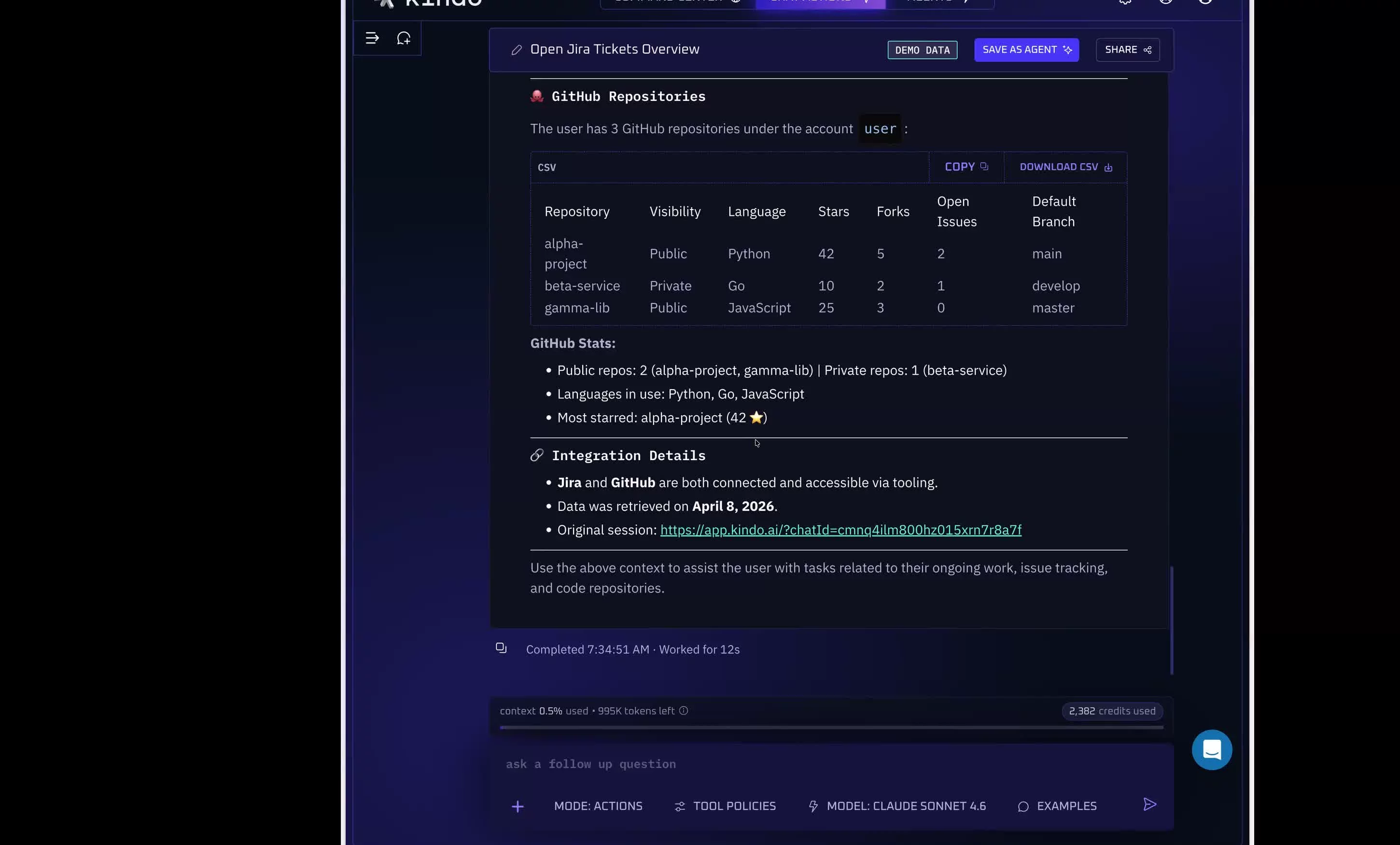
Kindo Terminal — Chat Actions The Kindo Terminal showing the Chat Actions workspace with model picker and query bar
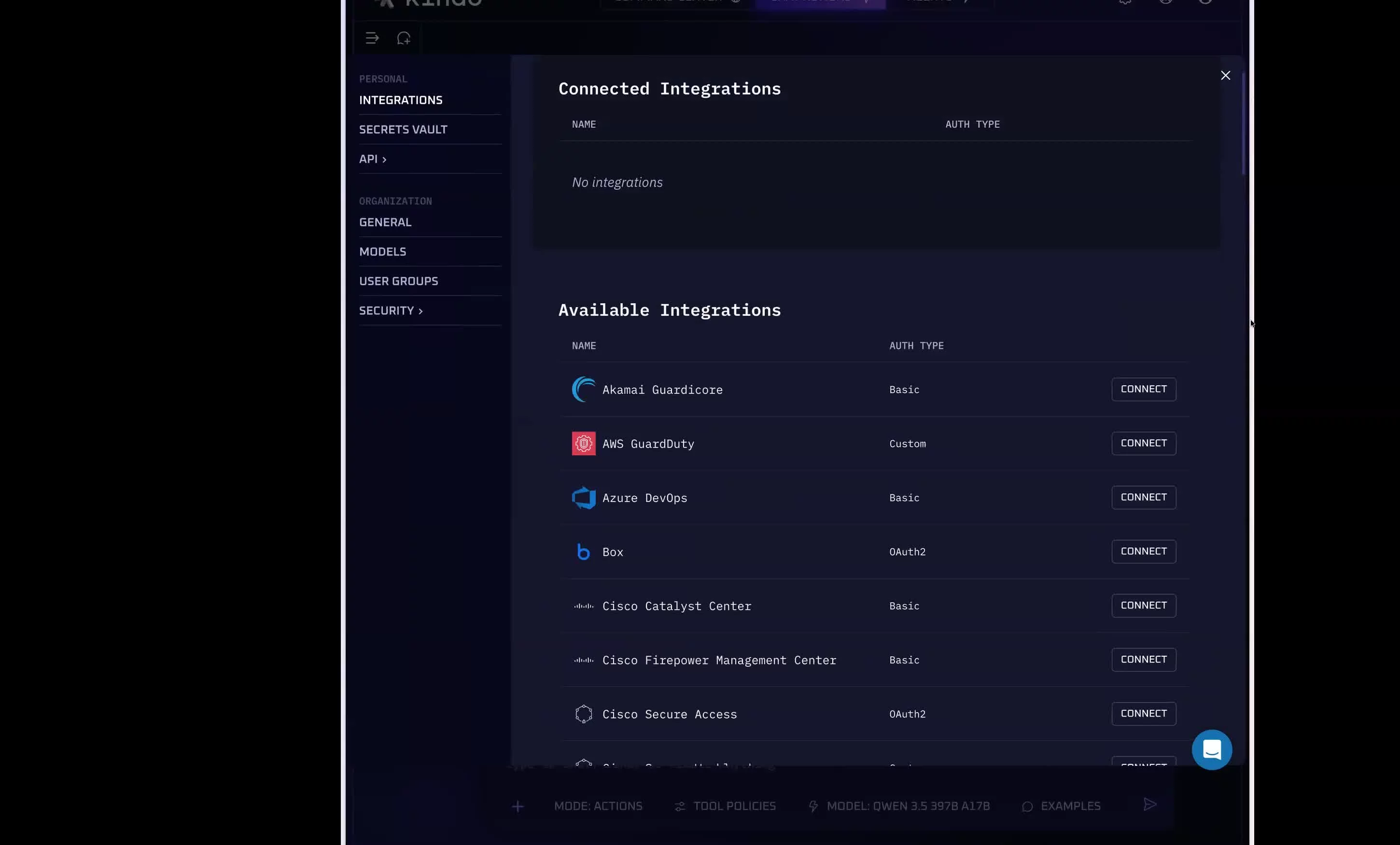
Connected Integrations Kindo integrations library showing available services including Splunk, CrowdStrike, Jira, and more
⚡ Chat Actions — Integrations
80+ Integrations
🔍Splunk
🦅CrowdStrike
📋Jira
🔧ServiceNow
📁Confluence
🐙GitHub
💬Slack
☁️AWS / Azure
🗄️PostgreSQL
📧Outlook
🔐Okta
80+ More

Automated runbooks. Your logic. Your control.

Four agent types. Your team builds the automation. You own the logic. You'll build one yourself in Module 3.

⚙️

Workflow

Multi-step orchestration with branching logic and tool calls

🔔

Triggered

Fire on events — alerts, tickets, messages, webhooks

🕐

Scheduled

Run on cadence — daily reports, weekly audits, compliance checks

💬

Chatbot

Conversational agents with knowledge stores and tool access

Agent Library Kindo Agents screen showing available chatbot, workflow, and trigger agents
Create an Agent Agent type selection: Triggered, Workflow, and Chatbot with Build Agent buttons
Workflow Agent Configuration Workflow Agent configuration with name, steps, instructions, knowledge store, and Do It For Me fields
Knowledge Store — File Library Kindo file library for attaching knowledge sources to agents and workflows

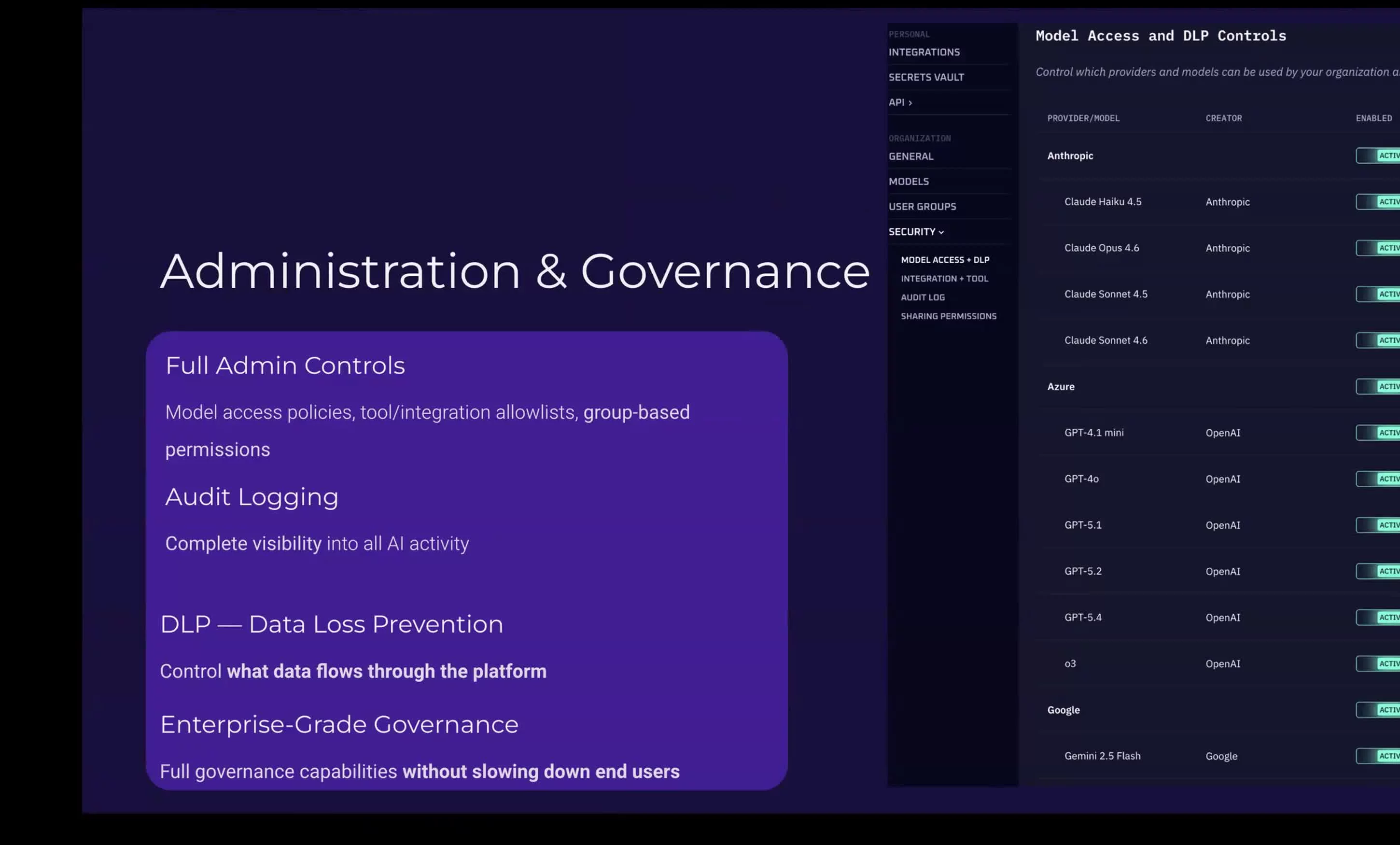
Data sovereignty. Model agnostic. Enterprise controls.

Kindo runs in your infrastructure. Every message filtered by DLP, every action logged, every user governed by RBAC. The Technical Track covers this in depth.

🏠

Data Sovereignty

Deploy on-prem or in your VPC. No data leaves your environment. Full audit logging on your infrastructure.

🔄

Model Agnostic

Claude, GPT, Llama, Mistral, DeepHat — swap models with zero code changes. No vendor lock-in.

🛡️

DLP & Security

PII, credentials, and custom patterns detected and redacted automatically. Per-model, per-user policies.

📊

Admin Command Center

Track every query, every model, every team. Credit usage, policy compliance, adoption metrics.

Admin & Governance Dashboard Kindo Administration and Governance showing model access controls, DLP policies, and security settings
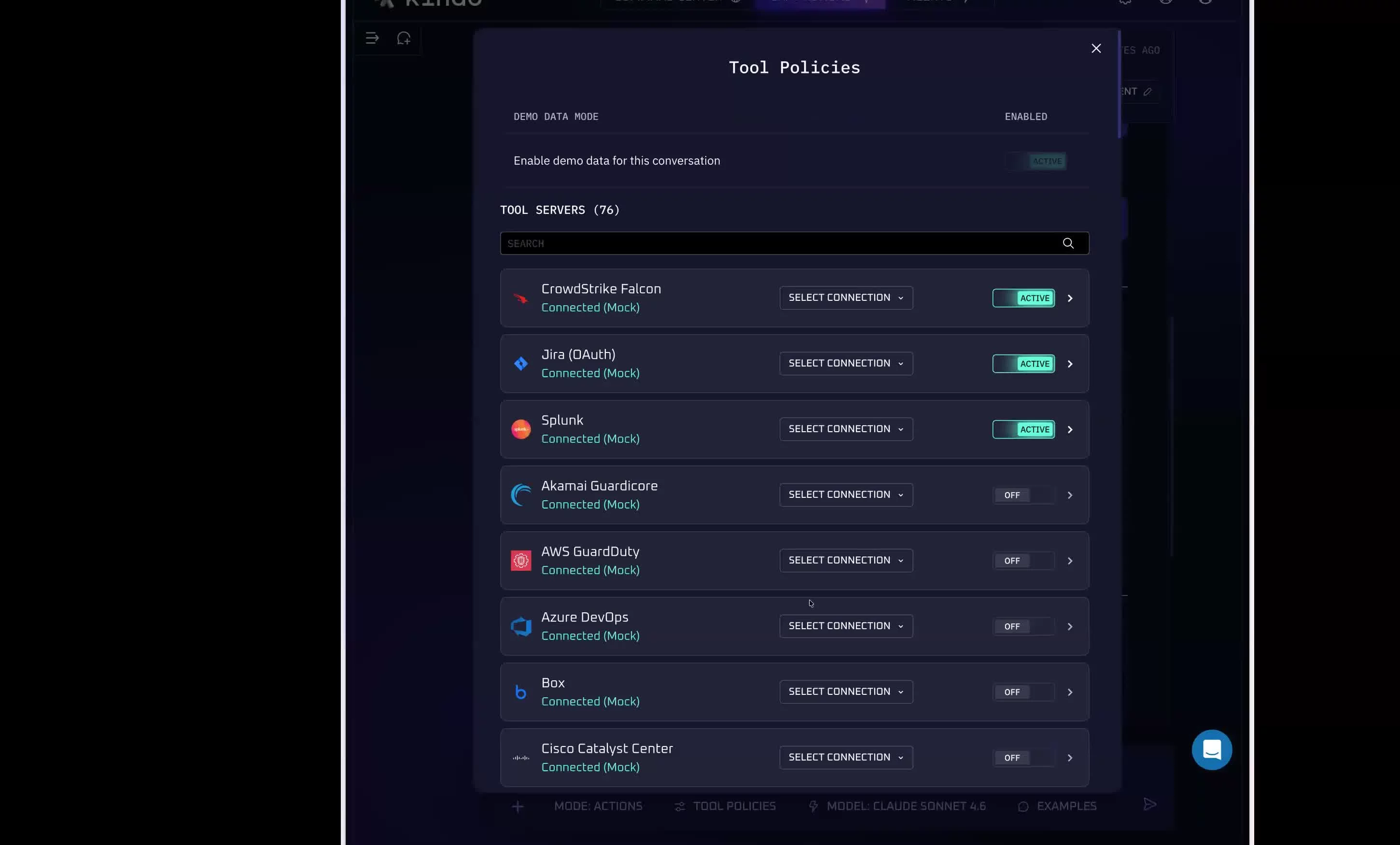
Tool Policies — Governed Integrations The Kindo Tool Policies panel showing integration toggles and governance controls

Two tracks. Pick yours.

Practitioner Track

Day-to-Day Users

  • 01Platform Overview & Navigation
  • 02Chat Actions — Querying Your Tools
  • 03Agents — Building Automations
  • 04Workflow Integration & Best Practices
Technical Track

Engineers & Builders

  • 01Architecture & Deployment
  • 02API & MCP Integrations
  • 03Security, DLP & Governance
  • 04Advanced Configuration & Scaling
2
Tracks
8
Modules
Self
Paced

Get started.

Provision Account
Watch Videos
Build in Live Session

Complete your prerequisites, choose your track, and start watching the module videos. When you get to the live session, you'll already know the platform — and you'll spend the whole time building.

Open Training Portal → kindo-lms.pages.dev
Play Walkthrough 1 / 9